
For home
A home license is $15 once per device.
Every feature works for five minutes with no license and no account. There is no subscription.
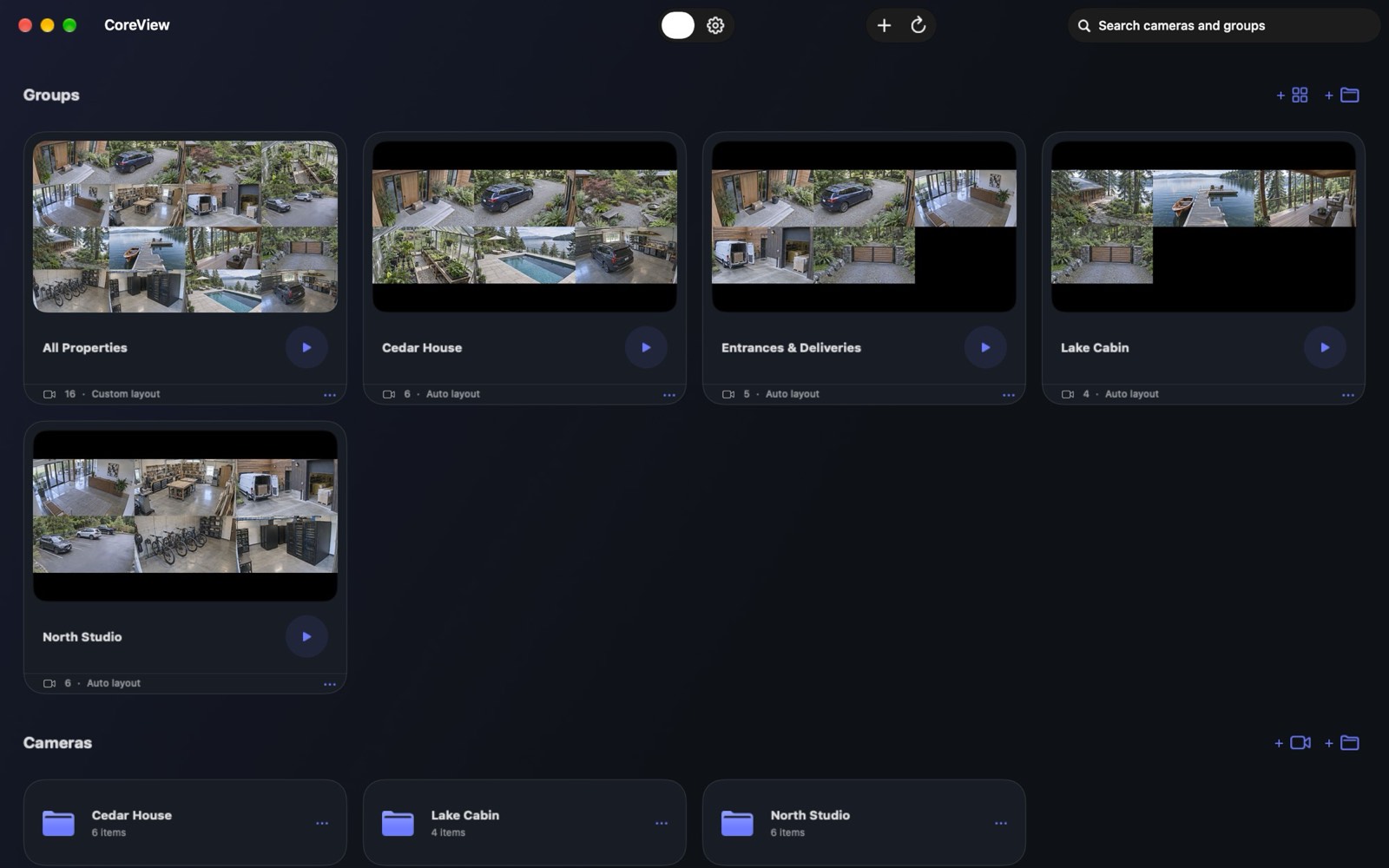
Group cameras by room
Add an ONVIF camera, an RTSP address, UniFi Protect, Rhombus, or a built-in, USB, or Continuity camera. RTSP includes H.264, HEVC, and AV1.
LAN Sync can send that whole Space to another device on your network: a six-digit code, encrypted, and the other device replaces its configuration when you confirm.
Open one camera
Save a snapshot or a recording straight to Photos. CoreView does not re-encode the video.
CoreView only streams the cameras on screen, and a dropped stream comes back in about a second.
One license, one device
Buy CoreView once for each iPhone, iPad, Mac, Apple TV, or Vision Pro. There is no subscription.
Every feature works for five minutes with no license and no account. A device license removes that limit. No account required for the trial.
Sign in with Apple to buy a license, assign it, or move it. A licensed device keeps working offline for up to 30 days.
CoreView talks to cameras on your network. It does not track what you watch, and this site does not either.
Platforms
Mac · iPhone · iPad · Apple TV · Vision Pro
- iPhone. Picture in Picture and background audio.
- Mac. A notarized download, or the App Store.
- Vision Pro. Included with a home license.
Where to get it
Schools and businesses
CoreView enrolls room displays with Jamf and other MDM tools, with annual pricing per screen. CoreView for organizations.